Export workflow guides in every format you need
Turn one finished Flow into PDF, Word, PPT, Markdown, HTML, TXT, images, or video. Keep headings, rich text, tables, screenshots, notes, and edited visuals ready for every delivery channel.
Read online with zoomable steps
Open the Flow in a clean web viewer where readers can follow each step, zoom into screenshots, and understand the process without downloading files.
Share instantly by link
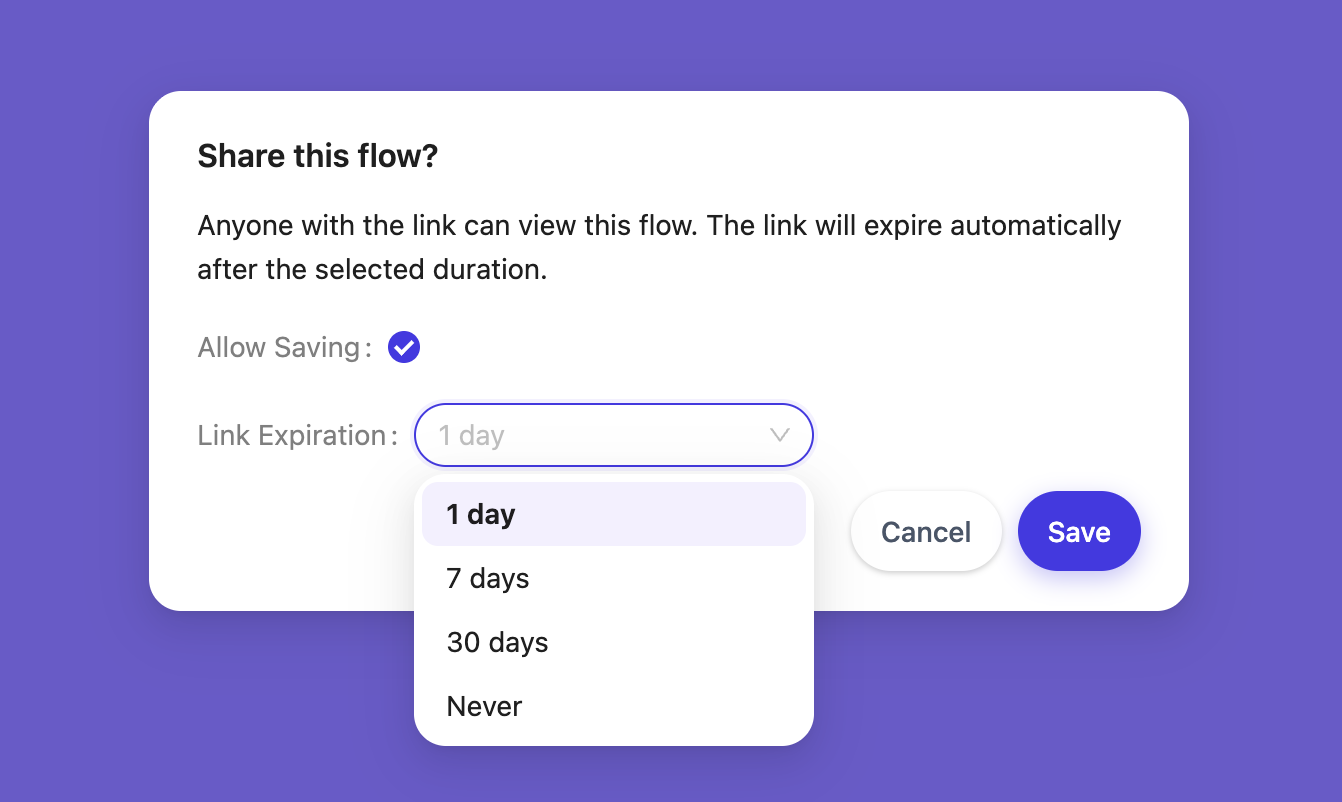
Publish a shareable link for teammates, customers, or partners. You can also allow others to copy the Flow into their own workspace.
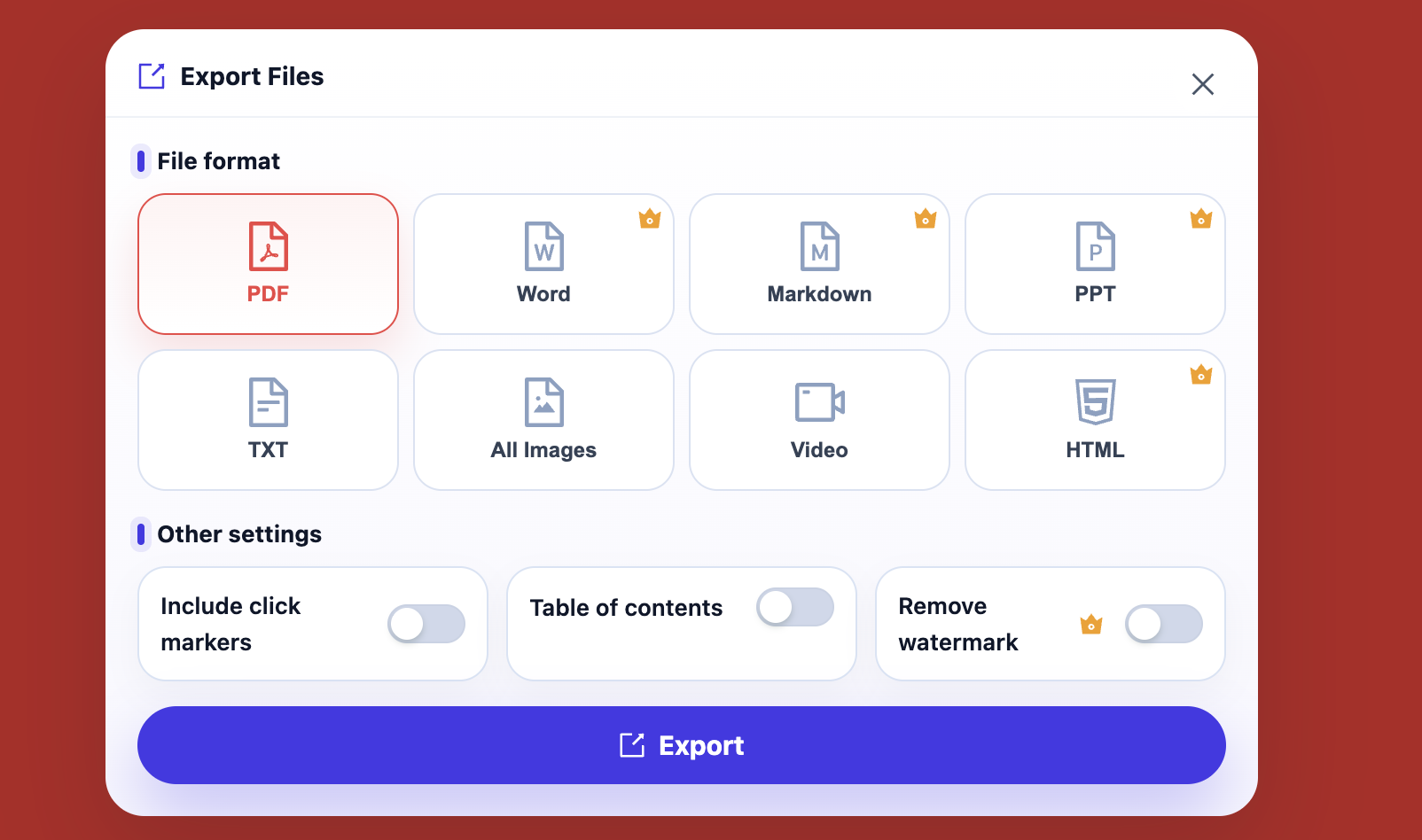
Export to the right format
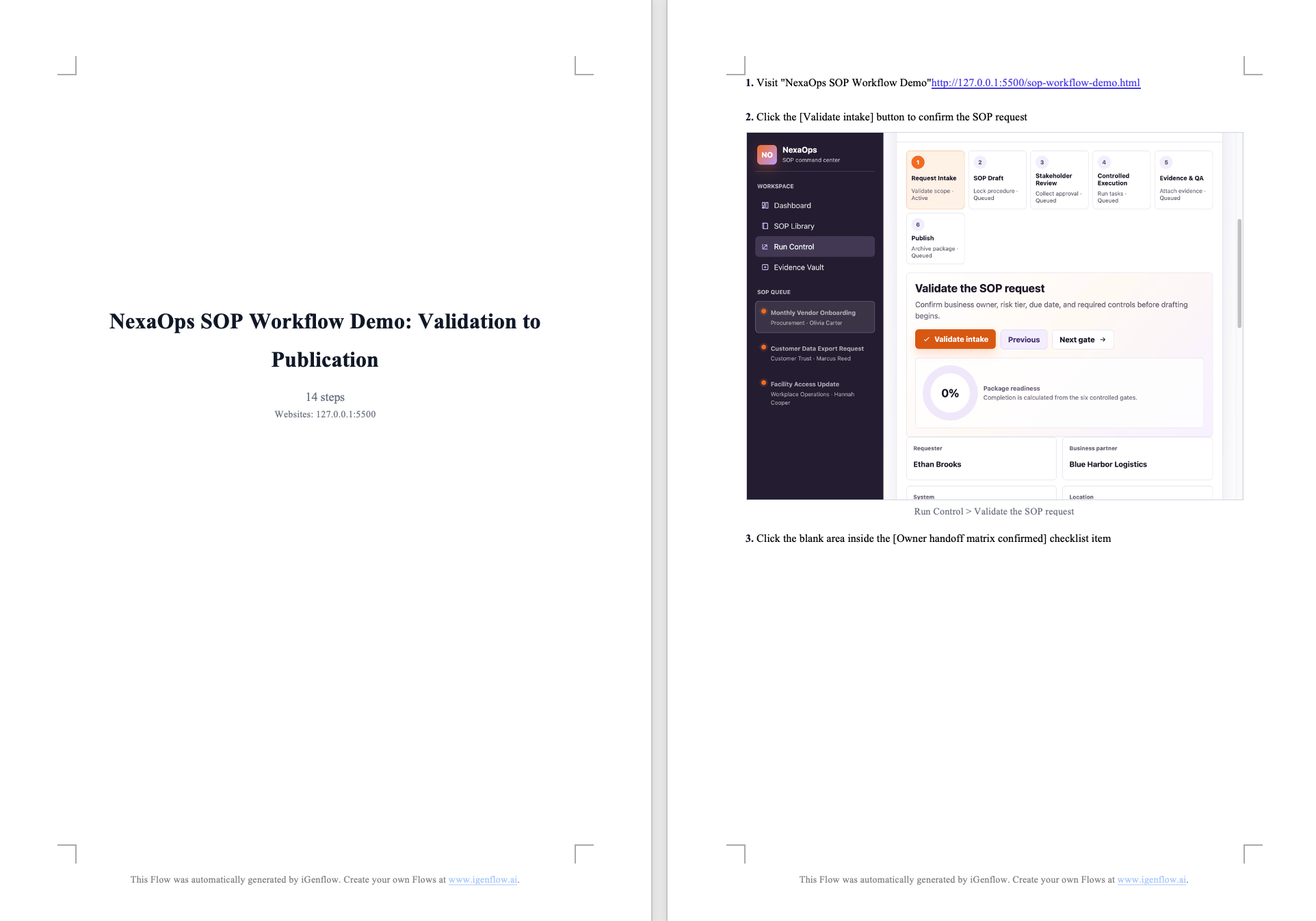
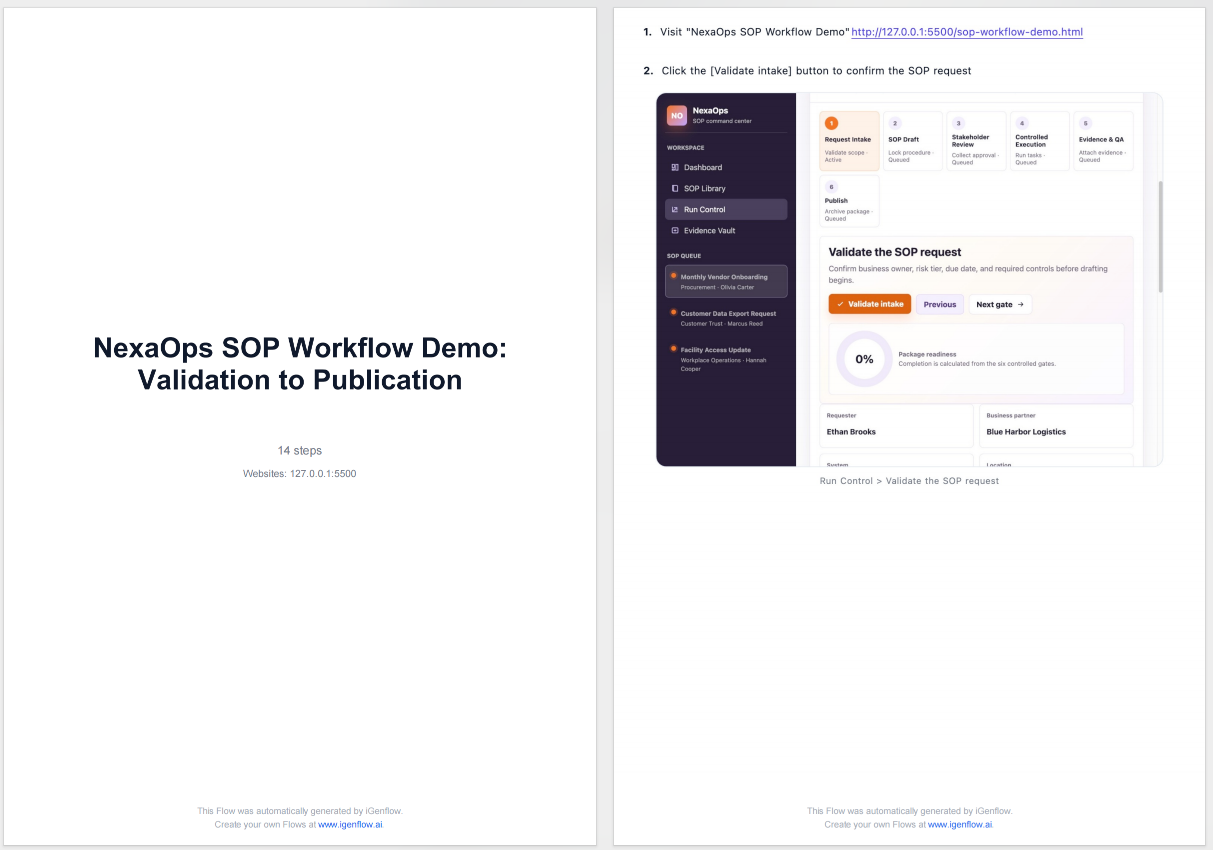
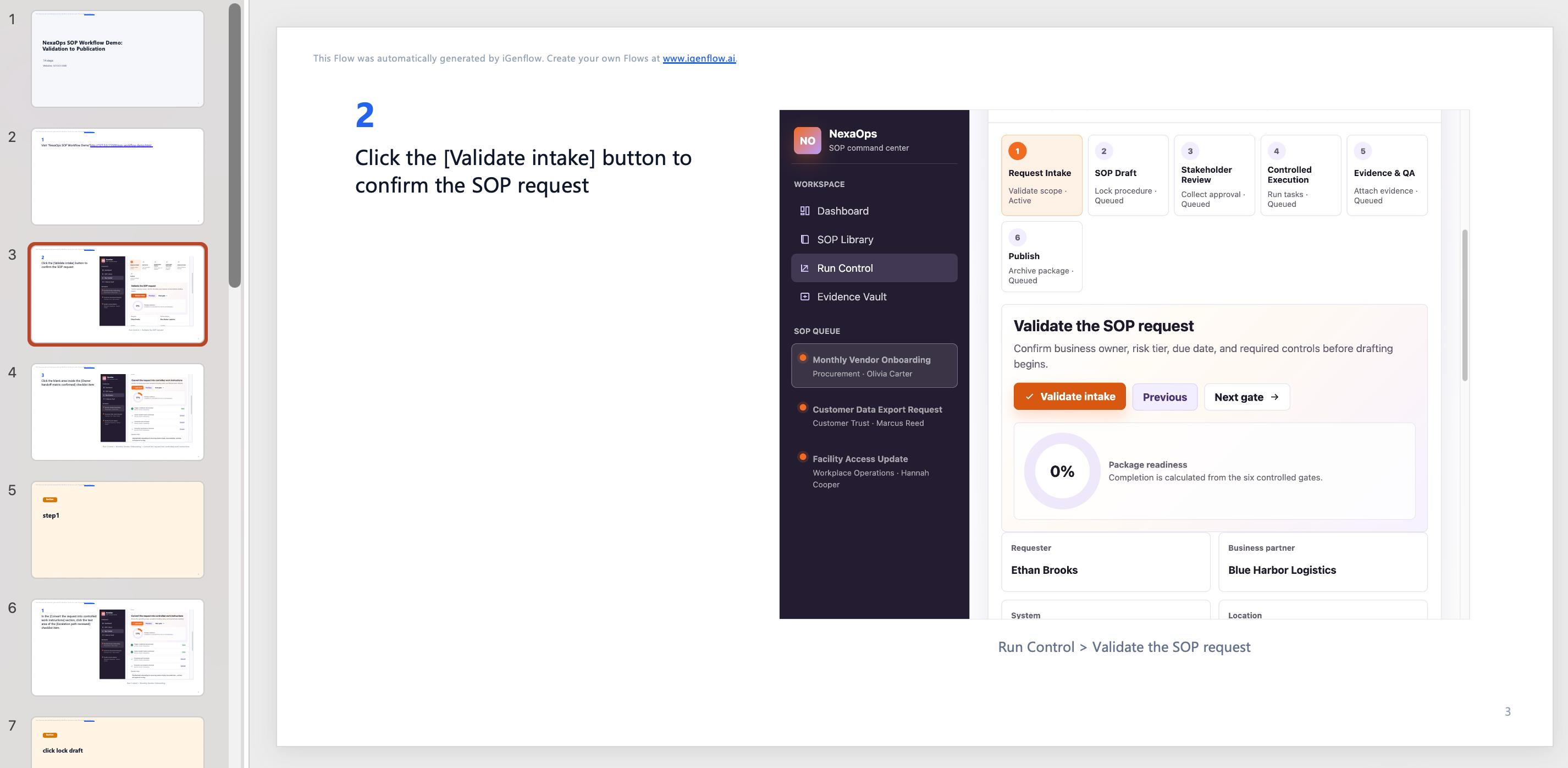
Generate PDF, Word, PPT, Markdown, HTML, TXT, image archives, or video from the same Flow in one click.
Choose the right format for every delivery channel
Customer handoff
Export PDF, HTML, or a shareable link for customer onboarding, delivery, and forwarding.
Internal training
Export Word, PPT, or video for team training, onboarding, and internal enablement.
Knowledge bases
Export Markdown or HTML for docs sites, help centers, and internal knowledge bases.
Audit and archive
Export PDF, TXT, or image archives to preserve steps, screenshots, and evidence.
Further editing
Export Word, Markdown, or PPT for translation, review, layout updates, and internal revisions.
Each format serves a different purpose
PDF / Word
Best for formal delivery, review, and archive. They preserve headings, images, rich text, tables, and notes.
PPT / Video
Best for training and presentations, where pacing, key visuals, and watchable walkthroughs matter.
Markdown / HTML
Best for knowledge bases, docs sites, and help centers that need publishing or further editing.
Images / TXT
Best for asset reuse, audit records, lightweight transfer, and plain-text review.
Preview the export structure before delivery
Export examples