Customer go-live
Before a customer goes live, I always need to deliver a clear operating guide. Now I record the full path once, add a few notes for their environment, and avoid rebuilding every screenshot from scratch.
Turn any web workflow into a step-by-step guide and a quick walkthrough video.
Before a customer goes live, I always need to deliver a clear operating guide. Now I record the full path once, add a few notes for their environment, and avoid rebuilding every screenshot from scratch.
I used to postpone feature guides because of all the screenshots and copy. Now I capture the flow once, make a few edits, and can usually prepare a simple demo guide in under an hour.
People often ask how to submit expenses or reconcile accounts. I recorded the actual process, highlighted the required fields, and now I can share the guide instead of explaining it repeatedly.
New hires have several systems to learn, and one training session is never enough. We turn frequent tasks into guides they can revisit whenever they get stuck.
Campaign setup, promotions, and store handoffs all follow a specific sequence. I capture the key path and add warnings around error-prone steps so the next person can take over confidently.
When someone new takes over our CRM, lead entry, opportunity updates, and quotes all follow set steps. I record the real workflow and add our field conventions so the handoff is much smoother.
Receiving, dispatch, and stock counts involve many system steps, and busy shifts make omissions more likely. Separate guides help the team verify locations, batches, and exception handling.
Onboarding, attendance, and access requests span several systems. Illustrated workflows let new hires and department coordinators check the steps themselves and reduce missed tasks.
Checkout, membership, and promotion settings change with every campaign. Recording the complete store workflow gives regional training one consistent guide and prevents missed steps.
When I make software tutorials, one recording gives me both a walkthrough and illustrated steps to refine. Reusing the same material across different channels saves a lot of repetitive work.
For a release, I walk through the key path and then refine the titles and notes. The result is easier to hand to operations and support, and I can update a changed step later.
For common setup questions, I create a visual self-service guide first. Simple issues no longer need a live walkthrough, and more complex cases are easier to discuss step by step.
Access requests and account setup used to depend on details held in one administrator's head. Capturing the steps preserves the order and makes handoffs easier to verify.
I export workflows as Markdown and pass them into our own documentation scripts. It gives me more flexibility when I need to adjust formatting or combine content later.
Supplier onboarding, requests for quotation, and purchase approvals each have fixed checkpoints. A guide based on the actual system path makes missing documents and next steps easy to verify.
Quality inspections include many checks, and each production line has different requirements. I capture the standard process, then add clear notes for pass criteria and exception reporting.
Enrollment, class scheduling, and grade entry all happen in the academic system. Documented workflows make semester transitions and staff handoffs much easier.
Our team follows a standard way to create tasks, update progress, and archive project files. Capturing it as a workflow helps new members adopt the same collaboration habits quickly.
Generate professional-grade documentation in seconds, not hours.
Eliminate tedious manual screenshots and repetitive text editing.
Trusted by over 20,000 tech-forward professionals and creators.
Accelerate team training and knowledge transfer with structured flows.
No complex setup required. Start capturing immediately with one click.
More ways to snap, adjust, and document. Build your SOPs exactly how you work.
Mark up screenshots with arrows, numbering, blur, crop, and more without leaving the capture flow.
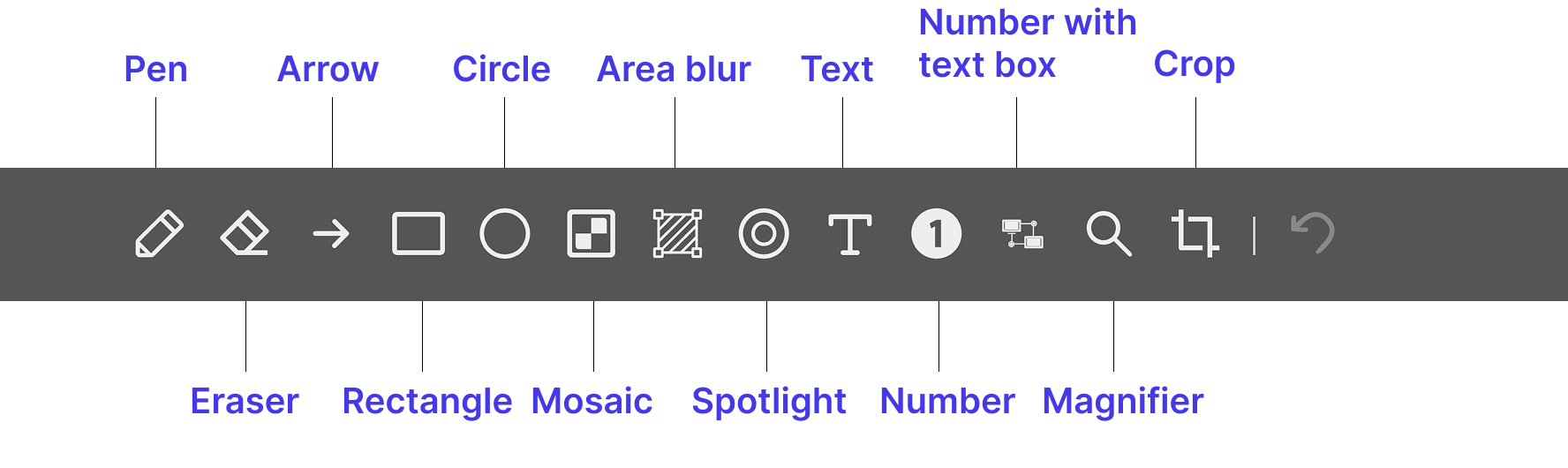
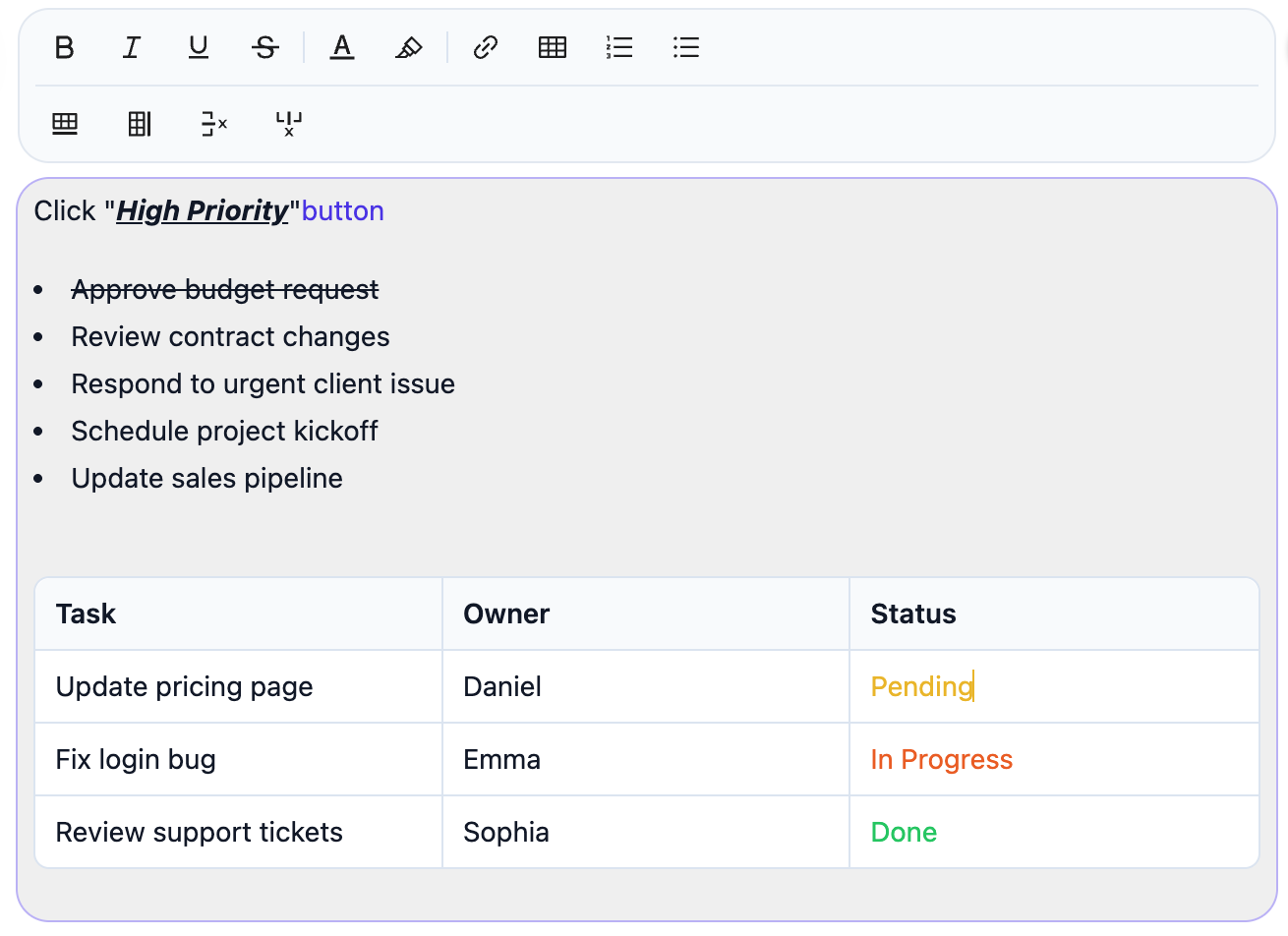
Make every Flow easier to understand with better structure, clearer visuals, and smarter, faster writing.
Hold Alt while capturing to blur sensitive content instantly, then keep editing the rest of the Flow as usual.
Sometimes a video says it better. Automatically generate a dynamic version of your Flow with smart zooming.
View, present, and export your guide in the way that works best for the task.
If you have any other questions, please get in touch.